SOFOS 360
Add space to the room structure
Collapse All
Expand All
Introduction SOFOS 360
>
Basic exercises
> Fire safety > Add space to the room structure
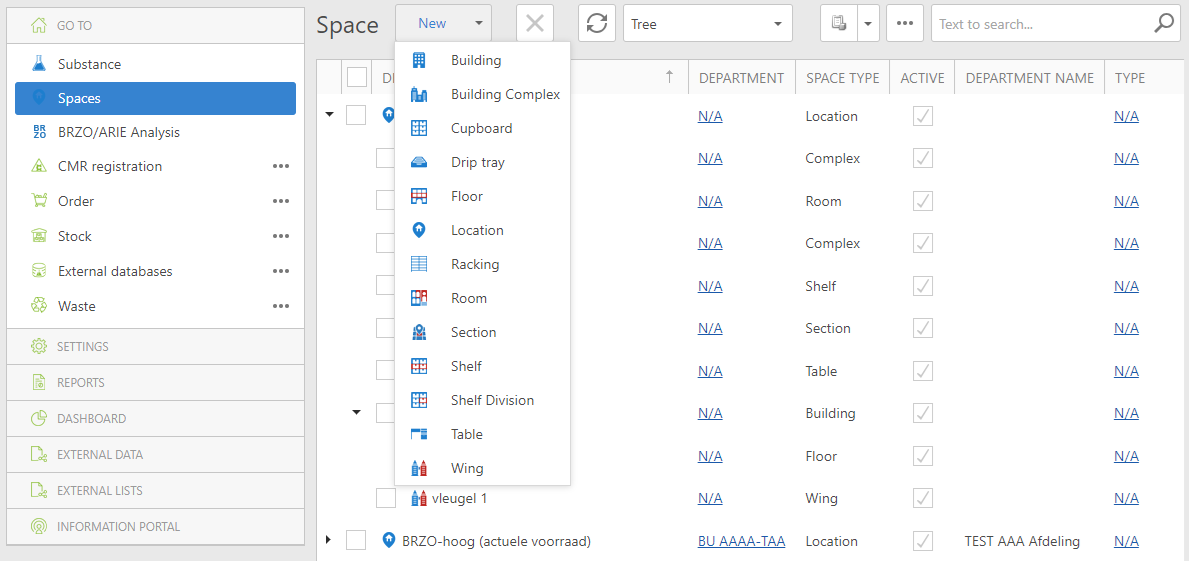
Go to the Fire Safety module, Spaces tab.
Choose the option Tree or List.
Click on New and use the dropdown button to select the type of space you want to add.
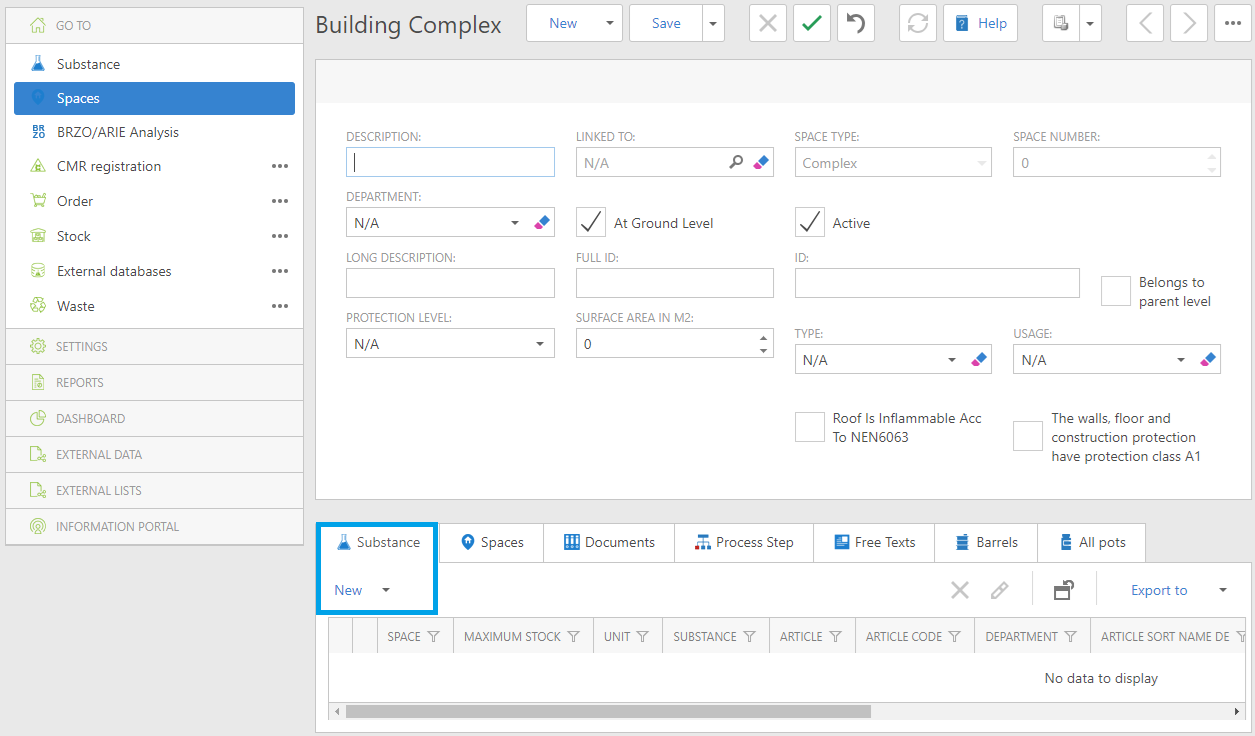
Enter the requested data and click on Save and the blue arrow.
Again, you can look up a substance in the database and link it to the (created) space type.